Tudo o que precisa para escalar com confiança.
O LedgerPort combina o poder empresarial com uma interface simples, concebido para resolver os desafios únicos da contabilidade de e-commerce.
Funcionalidade 01 • Sincronização Automática
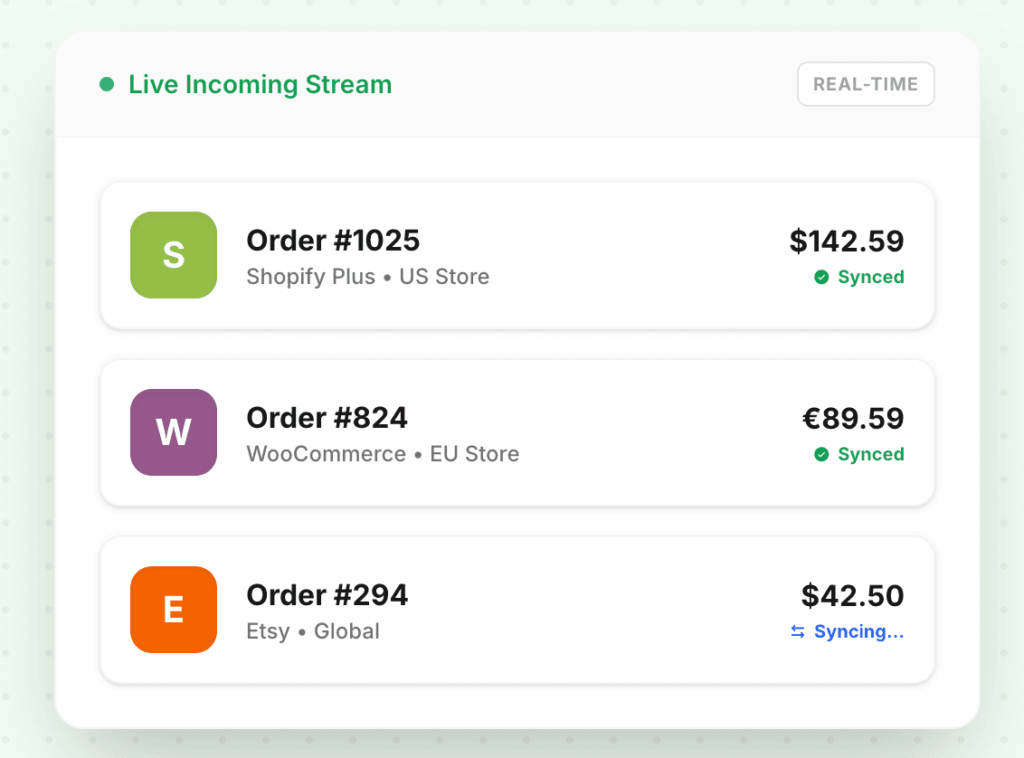
Sincronização automática bidirecional
Cada encomenda, reembolso e ajuste flui da sua loja para o QuickBooks à medida que acontece. Sem trabalhos em lote a correr durante a noite. Sem dados desatualizados numa fila. O seu livro de contas mantém-se atualizado porque a sincronização nunca para.
Sincronização instantânea de encomendas
Atualizações bidirecionais de inventário
Atualizações de contas
Tentativas de sincronizações falhadas
Captura de códigos de desconto
Recolha automatizada de impostos
Funcionalidade 02 • Gestão Unificada
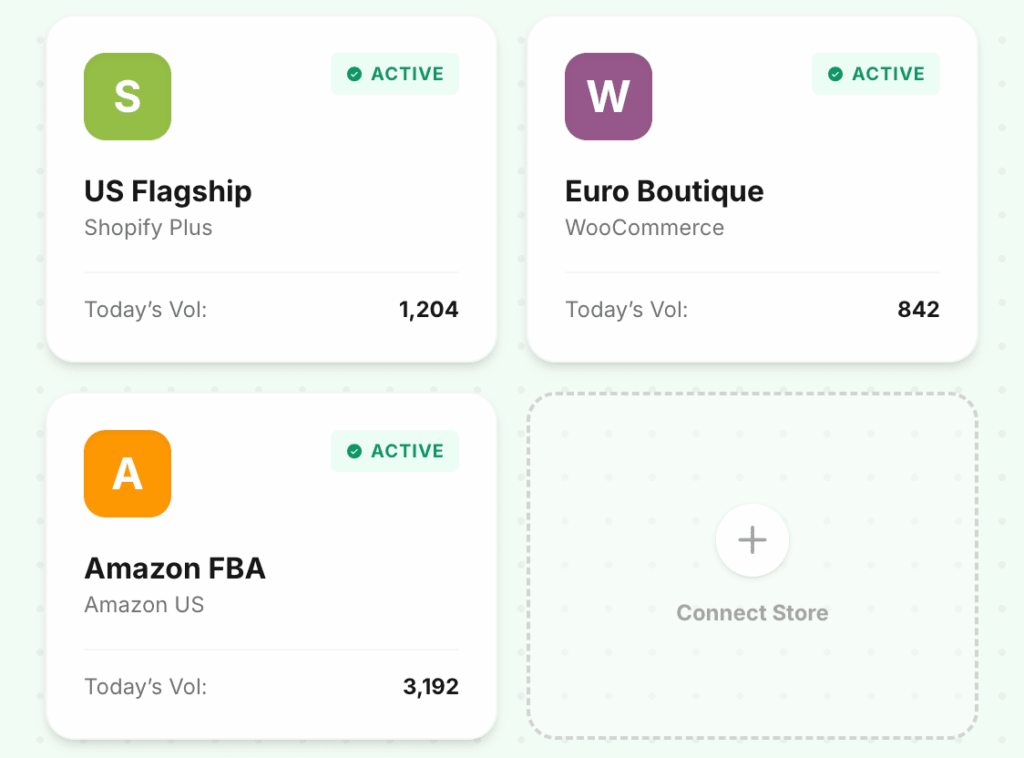
Configuração multi-loja e multi-cliente
Gerencie cinco lojas ou cinquenta contas de clientes a partir de um único painel. Cada entidade permanece isolada — o seu próprio plano de contas, as suas próprias regras de sincronização, os seus próprios dados. Nada se mistura entre ambientes, mesmo quando está a alternar entre eles em segundos.
Múltiplas entidades
Isolamento da loja
Visão geral da empresa com detalhe por cliente
Login único para múltiplas lojas
Funcionalidade 03 • Mapeamento Inteligente
Mapeamento inteligente de contas
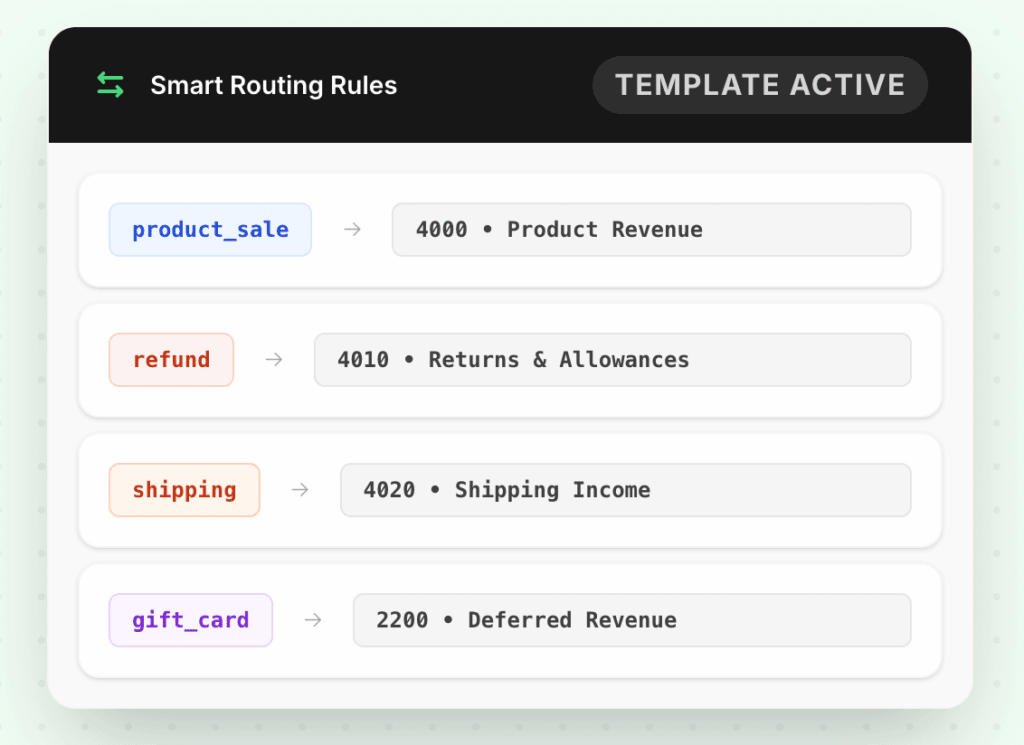
Comece com um modelo pré-construído que corresponda à sua indústria, ou crie regras personalizadas do zero. Encaminhe transações por tipo, montante, localização ou loja para as contas exatas a que pertencem. Defina uma vez — o LedgerPort aplica-o a cada encomenda daqui para a frente.
Modelos pré-construídos para estruturas de contas comuns
Regras de encaminhamento personalizadas
Encaminhamento instantâneo de transações
Clone o seu mapeamento entre lojas
Funcionalidade 04 • Reembolsos
Manuseamento de reembolsos e créditos
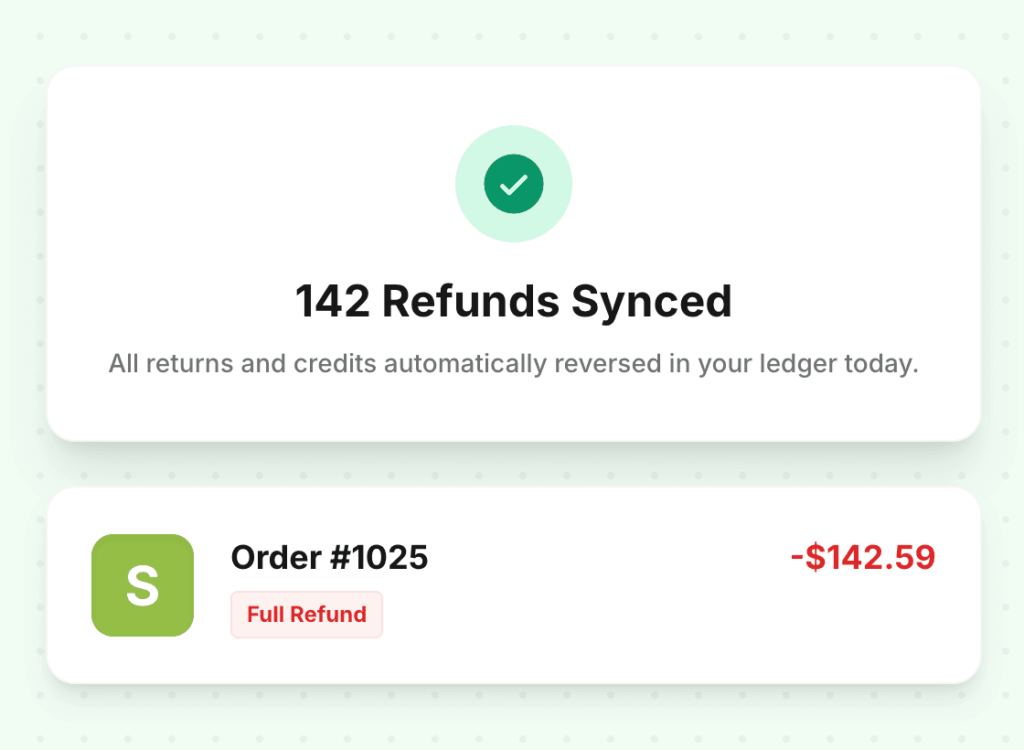
Devoluções são confusas. Reembolsos parciais, créditos de loja, trocas, taxas de reabastecimento — cada um cria uma entrada de reversão que tem de aterrar na conta certa. O LedgerPort lida com todas as variantes automaticamente. Sem registos órfãos. Sem lançamentos manuais para corrigir o que a sincronização falhou.
Reembolsos integrais, reembolsos parciais e créditos de loja
Taxas de reposição de stock e ajustes de troca
Rastros de auditoria limpos com links de reversão para a encomenda original
Categorização totalmente automatizada de taxas
Funcionalidade 05 • Conciliação
Conciliação de taxas e pagamentos
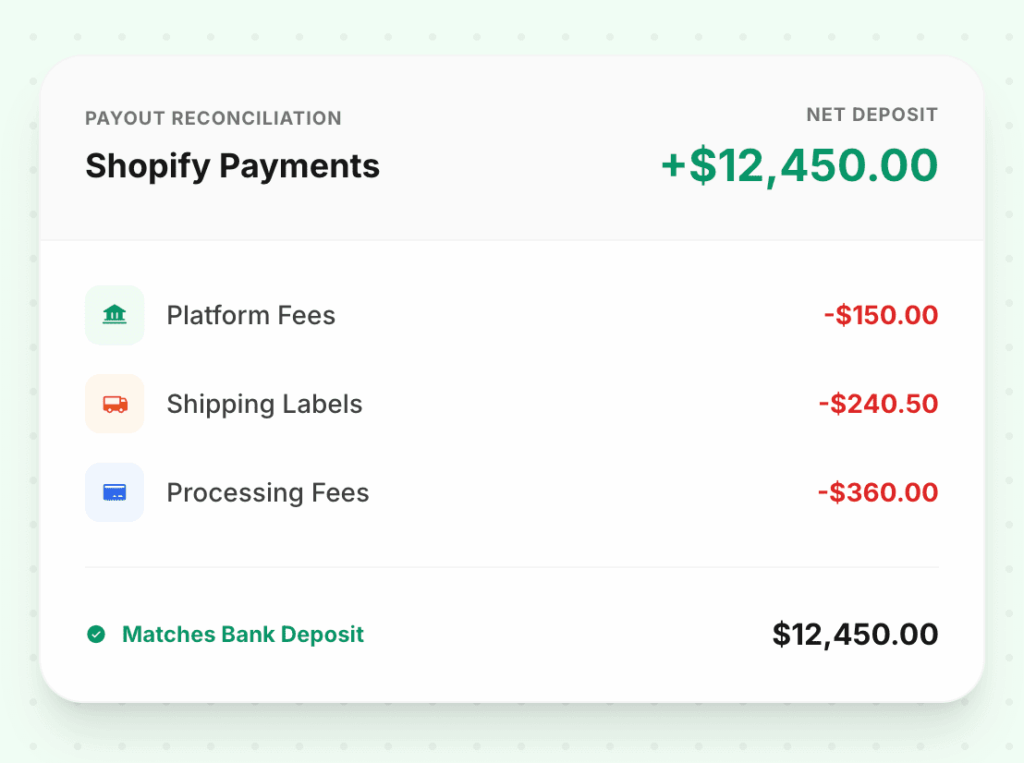
O seu depósito bancário é um número líquido. O LedgerPort decompõe-no — receita bruta, taxas da plataforma, encargos de processamento de pagamentos, custos de etiquetas de envio, deduções de reembolso — e mapeia cada linha para a conta correta. Quando o pagamento é efetuado no seu banco, a conciliação já está feita.
Detalhe de bruto para líquido para cada pagamento
Todos os tipos de ficheiros de liquidação suportados
Taxas, reembolsos e ajustes separados automaticamente
Depósito bancário corresponde ao total conciliado no QuickBooks