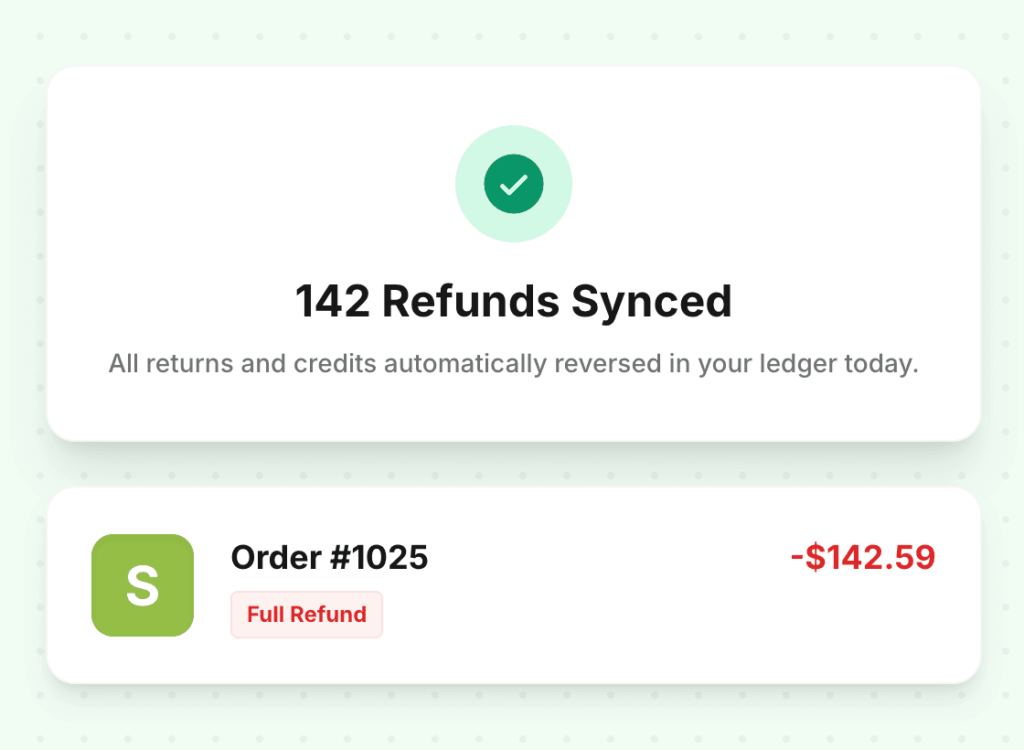
Refunds
Returns reconcile themselves. No manual reversals.
When a refund posts in Shopify, LedgerPort creates the correct reversal entry in QuickBooks automatically — full refunds, partial refunds, and store credits each handled by their own logic.

3
Refund Types Handled
100%
Matched to Original Order
0
Manual Reversals Required
The problem
Sound familiar?
Every return requires a manual credit memo in QuickBooks
Your bookkeeper spends 20–30 minutes per refund creating a reversal in QBO, looking up the original order, and ensuring the amounts match. At scale, this is a part-time job.
Store credits are booked as revenue reductions instead of liabilities
A store credit isn’t a refund — it’s a promise to deliver a future purchase. Booking it as a revenue reduction overstates your loss and understates your current liabilities.
Partial refunds get applied to the wrong line items
When a customer returns two of five items, a manual partial refund often touches the wrong revenue account or fails to adjust fees and shipping proportionally.
See the difference
Before vs. after LedgerPort
Why it matters
Built for the way E-commerce actually works
Automatic reversal entries
Full refunds reverse the original journal entry exactly. The debit that posted when the order was placed is credited back — no manual journal entries, no hunting for the original transaction.
Partial refunds handled correctly
A partial refund doesn't reverse the full entry — it creates a new contra entry for the refunded amount. The remaining revenue stays intact and correctly attributed.
Store credits tracked as liabilities
A store credit isn't revenue. It's a liability. LedgerPort posts store credits to a deferred revenue liability account, not as a revenue reduction.
No orphaned records
Every refund is tied to its original transaction by order ID. If the original order had fees, shipping, or tax components, the reversal accounts for all of them proportionally.
How it works
Get started in minutes — no engineering team required.
Refund posts in Shopify
Customer initiates a return. Shopify processes the refund and marks the order accordingly — full or partial, with or without restocking.
LedgerPort detects the refund event
The refund webhook fires and LedgerPort classifies it — full refund, partial, or store credit — and determines the correct accounting treatment for each component.
Reversal entry posts to QuickBooks
The correct journal entry is created in QBO immediately. The entry references the original order, so your audit trail is complete and reconciliation stays clean.
Common questions
Frequently asked questions
What about exchanges? Are those treated like refunds?
Exchanges that include a refund component are handled correctly. The refund portion creates a reversal entry; the new order creates a fresh income entry. No double-booking.
What if the refund includes a restocking fee?
Restocking fees are routed to a separate account — not netted against the refund or lumped into revenue. The full refund and the restocking fee are two separate entries.
Can it handle refunds on orders that synced before we set up LedgerPort?
For orders that pre-date your LedgerPort setup, refunds are flagged for manual review. You’ll see them in the review queue with the original order details to make matching easy.
Does it handle chargebacks?
Chargebacks are treated as a specific refund type with their own account mapping. You can route chargeback losses to a dedicated account separate from standard refunds.
Explore more features
Automate every refund reversal.
Join our mission to help e-commerce brands close their books in minutes, not days. Free plan available — no credit card required.