
Kategorya: Mga Gabay & Tutorial
Mga sunud-sunod na gabay sa pag-set up at pag-optimize ng iyong mga sync workflow.
-

Pagbibilang ng Imbentaryo sa Katapusan ng Taon & Mga Pagsulat para sa E-commerce
Magpatuloy sa Pagbasa →: Pagbibilang ng Imbentaryo sa Katapusan ng Taon & Mga Pagsulat para sa E-commerceAng mga patuloy na sistema ay lumilihis, ang mga 3PL ay tahimik na nagtatapon ng mga ibinalik, at ang Disyembre 31 ang petsa kung saan nakasalalay ang iyong tax return. Paano planuhin ang pagbibilang, isagawa ito nang hindi sinisira ang pagtupad, at i-book ang nahanap nito.
-
Pag-aayos ng 3PL Invoice: Pag-audit sa Iyong Bill sa Fulfillment
Magpatuloy sa Pagbasa →: 3PL Invoice Reconciliation: Pag-audit sa Iyong Fulfillment BillAng mga invoice ng fulfillment ay lumalayo sa mga quote — at ang mga error sa pagsingil ay bihira na pumapabor sa iyo. Isang limang-check na buwanang runsheet para sa pag-audit ng iyong 3PL bill, kasama kung saan nabibilang ang bawat line item sa iyong mga libro.
-
Alternatibo sa QuickBooks Shopify Connector: Gabay sa Paglipat
Magpatuloy sa Pagbabasa →: Alternatibo sa QuickBooks Shopify Connector: Gabay sa PaglipatNakolekta mo na ang mga senyales ng paglaki; ano na ngayon? Isang forward-only na runsheet ng paglipat para sa pag-alis sa libreng connector ng Intuit — cutover date, walang dobleng pag-sync, mga bagong mapping, at isang payout na na-verify mula simula hanggang dulo.
-
COGS para sa mga Nagbebenta ng Shopify sa QuickBooks: Isang Praktikal na Gabay
Magpatuloy sa Pagbabasa →: COGS para sa mga Nagbebenta ng Shopify sa QuickBooks: Isang Praktikal na GabayKung ang iyong buwanang tubo ay nagbabago kasama ng iyong mga purchase order, ang iyong COGS ay naitatala sa maling sandali. Narito kung paano talaga gumagana ang cost of goods sold para sa isang Shopify store sa QuickBooks — at tatlong praktikal na paraan para subaybayan ito.
-
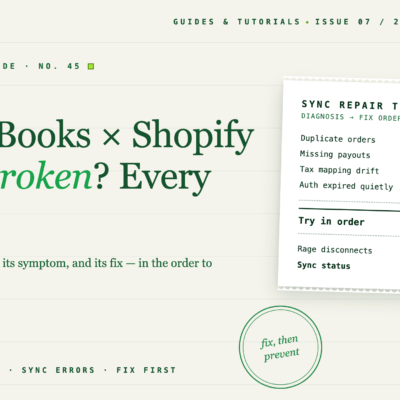
Hindi gumagana ang QuickBooks Shopify Integration? Bawat Ayos
Magpatuloy sa Pagbabasa →: Hindi gumagana ang QuickBooks Shopify Integration? Bawat AyosIsang gabay sa pag-troubleshoot na unang nag-triage para sa anim na paraan kung saan nasisira ang koneksyon ng QuickBooks Shopify — pagkawala ng awtorisasyon, mga nawawalang order, mga dobleng order, pinagsama-samang bayarin, paglihis ng pagmamapa, at pagkasira dahil sa pagbabago ng app — na may mga ayos para sa bawat isa.
-
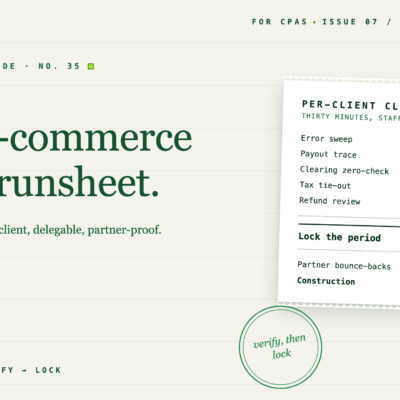
Checklist para sa Pagsasara ng Buwan para sa Mga Libro ng E-commerce Client
Magpatuloy sa Pagbabasa →: Checklist para sa Pagsasara ng Buwan para sa Mga Libro ng E-commerce ClientIsang napapamahagi na runsheet para sa pagsasara ng buwan para sa mga libro ng e-commerce client: limang minutong pre-close triage, limang hakbang sa pag-verify na may mga oras at kondisyon ng pagpasa, at isang post-close lock — mga 30 minuto bawat kliyente.
-
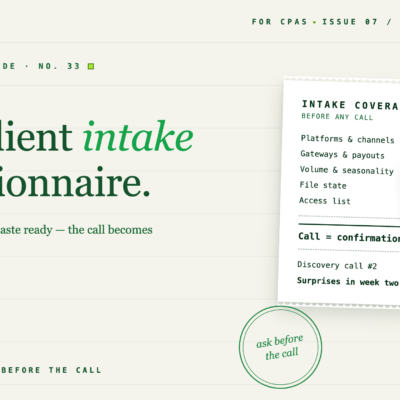
Ang E-commerce Client Intake Questionnaire para sa mga CPA
Magpatuloy sa Pagbabasa →: Ang E-commerce Client Intake Questionnaire para sa mga CPAIsang anim na seksyon, copy-paste-ready na intake questionnaire para sa mga CPA na kumukuha ng mga e-commerce client: mga platform, gateway, banda ng volume, estado ng QuickBooks file, postura ng buwis, at access — nakolekta nang nakasulat bago ang unang tawag.
-
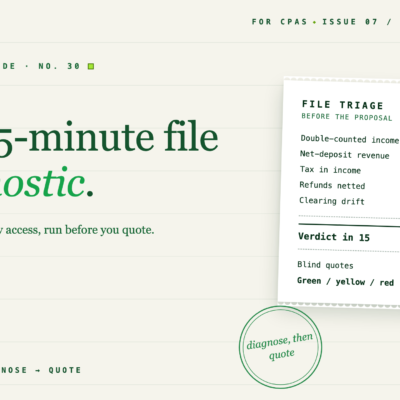
Ang 15-Minutong Shopify QuickBooks File Diagnostic para sa mga CPA
Magpatuloy sa Pagbabasa →: Ang 15-Minutong Shopify QuickBooks File Diagnostic para sa mga CPAAng bawat Shopify client file ay nasisira sa parehong limang paraan — at ang bawat depekto ay may 2–3 minutong detection test na maaari mong patakbuhin mula sa read-only access bago ka mag-quote. Narito ang kumpletong diagnostic.
-
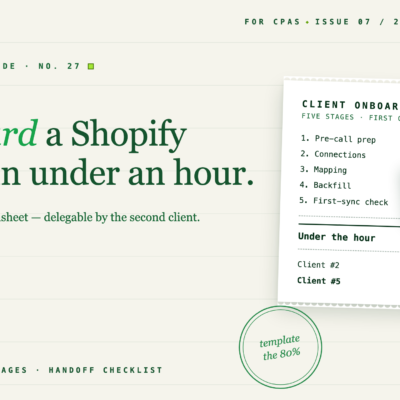
I-onboard ang Bagong Shopify Client sa QuickBooks sa Ilalim ng Isang Oras
Magpatuloy sa Pagbabasa →: Mag-onboard ng Bagong Shopify Client sa QuickBooks sa Wala pang Isang OrasIsang limang-yugto na proseso ng onboarding para sa mga accounting firm na kumukuha ng mga Shopify client: kung ano ang hihilingin bago ang tawag, kung paano ikonekta at imapa ang mga account, kung paano i-backfill ang kasaysayan, at ang checklist na nagmamarka sa kliyente bilang live.
-
Ang Gabay ng CPA sa Paglilinis ng QuickBooks ng Kliyente sa Shopify
Magpatuloy sa Pagbabasa →: Gabay ng CPA sa Paglilinis ng QuickBooks ng Shopify ClientAng mga Shopify client file ay nasisira sa parehong limang paraan, sa parehong pagkakasunud-sunod ng kalubhaan. Narito kung paano matuklasan ang bawat depekto sa ilang minuto, ayusin ang mga ito sa tamang pagkakasunud-sunod, at muling buuin ang file upang ang gulo ay hindi na muling maipon.

I-automate ang Iyong E-commerce Accounting Ngayon
Pataasin ang halaga ng bawat benta gamit ang automated bookkeeping na mahirap palampasin.
Subukan ang LedgerPort nang Libre